InteliDress
Home / See InteliDress in action / Arranging an outfit collage
Arranging an outfit collage
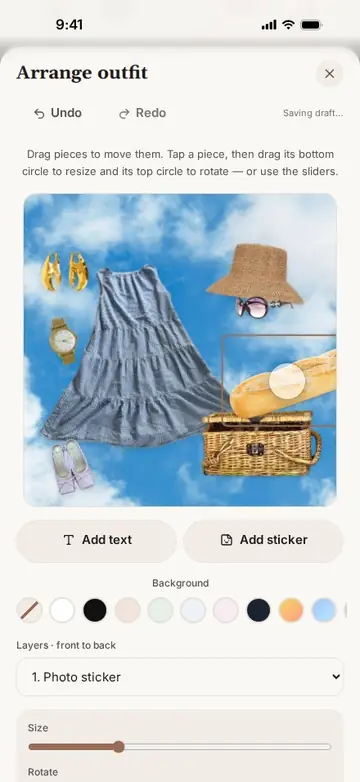
The Day at the Park look is laid out by hand: pieces are moved, resized and rotated, a sky photo becomes the backdrop, photo stickers and a caption are added, and the layout is saved.
In this video
- Open the look and tap Arrange.
- Drag each piece into place, then resize and rotate it with its handles.
- Choose a sky photo as the background.
- Add a picnic basket, a baguette and wine glasses as photo stickers.
- Add the caption a day at the park and save the layout.
Length: 35 seconds
More videos
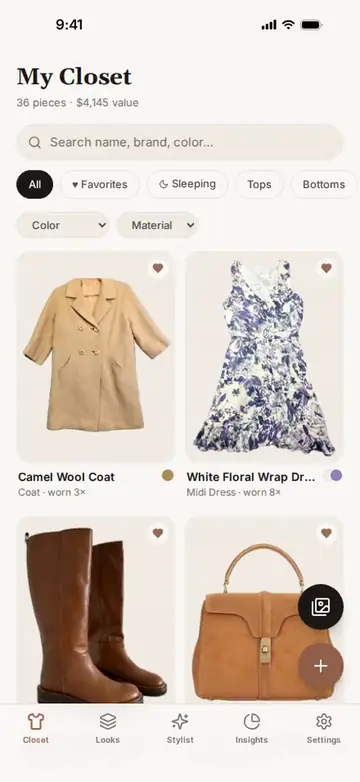 0:14InteliDress in half a minuteSmart Add turns a photo into a tagged piece, the Stylist builds an outfit from the closet, a collage is laid out, and the week is planned on the calendar.
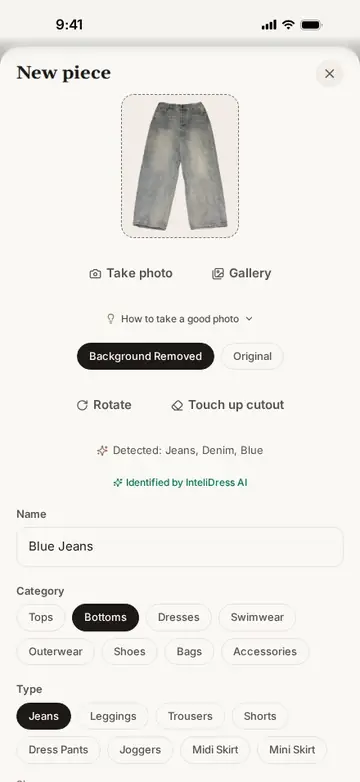 0:13Smart Add: a photo becomes a tagged pieceA photo of jeans on the floor becomes a clean closet piece: the background is removed and the name, category, type, colour and material are filled in on the phone.
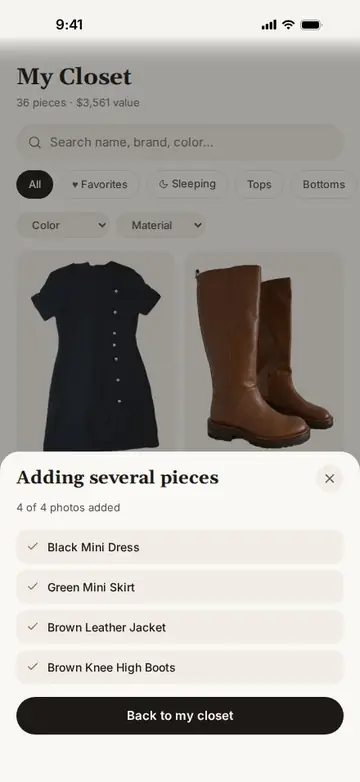 0:12Bulk upload: a batch of photos becomes tagged piecesFour photos chosen at once become four closet pieces: each background is removed, and each piece is tagged and named on the phone, one after another.
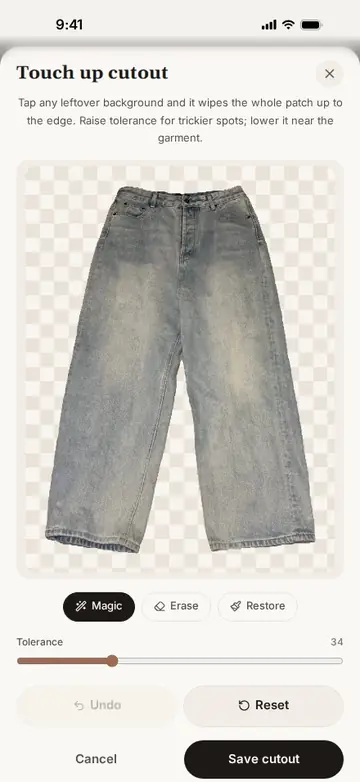 0:21Automatic background removalEvery photo is cut out automatically. Switch between the cut-out and the original photo, and open the touch-up tools for tricky edges.
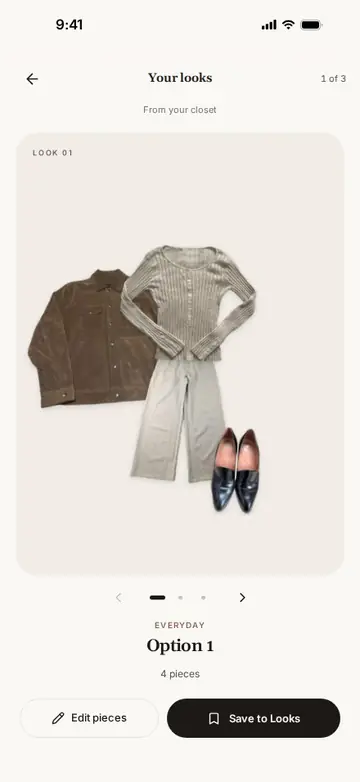 0:16The Stylist builds outfits from your clothesFor an everyday occasion, the Stylist offers three outfits made only from pieces in the closet; the first one is saved to Looks.
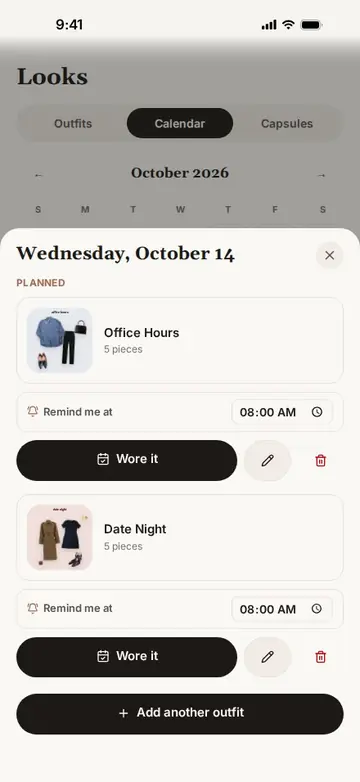 0:18The outfit calendarTap a day to see the outfits planned for it, each with its reminder time, and a button to log what you wore.
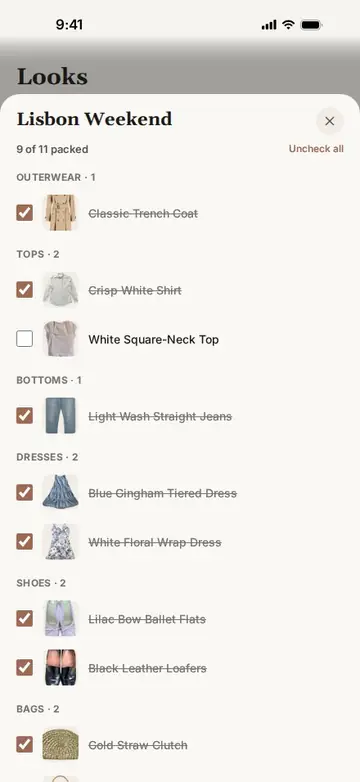 0:13Packing listsThe Lisbon Weekend capsule is a packing checklist that remembers what is already in the suitcase.
Make more of the clothes you already own.
Free to download for iPhone and Android.